How it works
From sign-up to your first record
Five steps, in the order most people take them.
-
Open your account
Sign up with your email and a password and name the business. Sign-in codes and password resets come by email. 14 days free, no card.
-
Choose the parts
The shop, the poultry farm and events. Income and expenses come with every account. Change your mind later under Settings; nothing is deleted.
-
Add your team
Give each person a login and a role: staff for the shop, workers for the farm, members for the event committee.
-
Make the first record
A sale at the till, the first daily card, or the first pledge.
-
Phone and web, kept in step
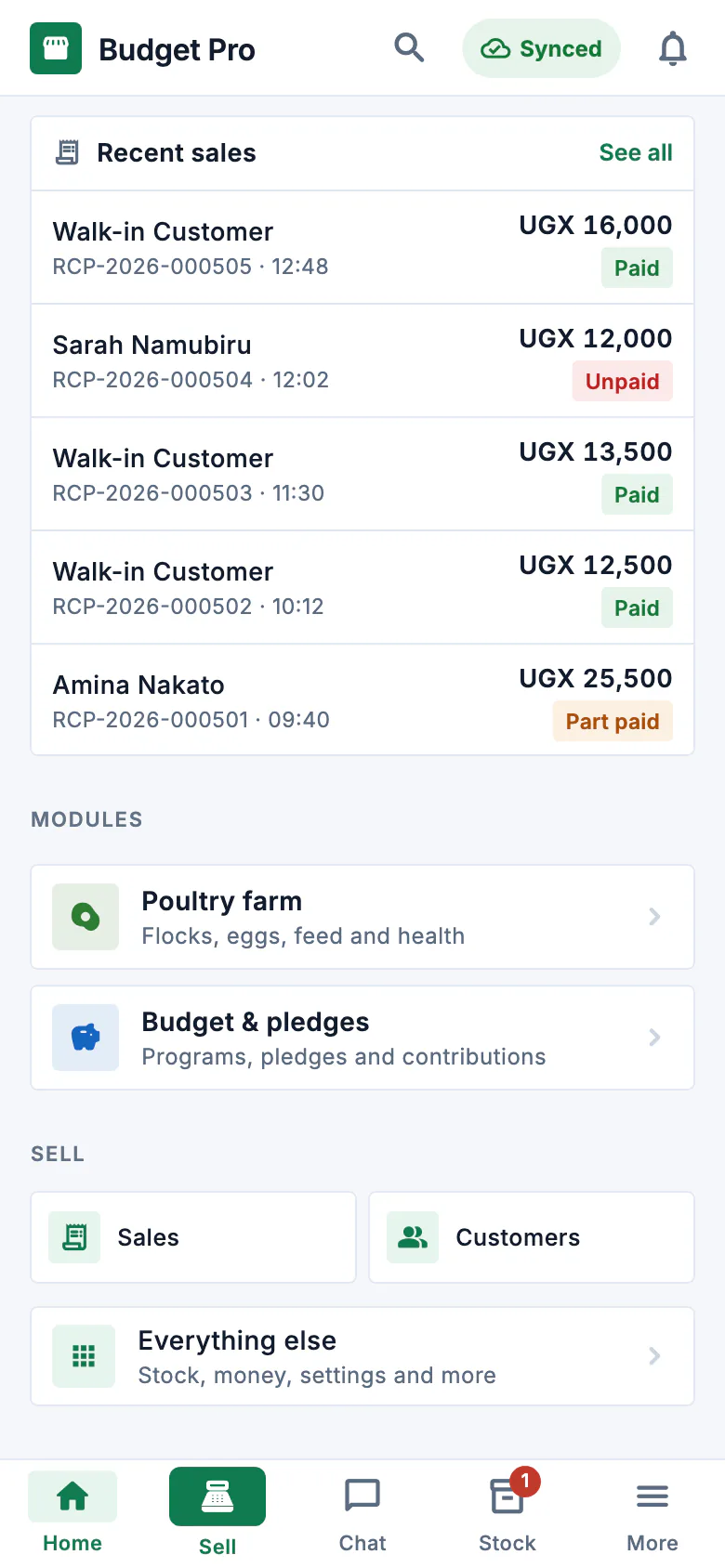
Install Budget Pro from Google Play and sign in with the same account. The phone saves every record first and sends it when it has a network; the web shows the same records.